View NXLog Platform application logs
The various NXLog Platform components log events to help you monitor and troubleshoot NXLog Platform. You can view the logs by navigating to Administration > Application Logs. The default view shows log events from all components. However, you can search and filter events by several criteria.
Follow these steps to search the events:
-
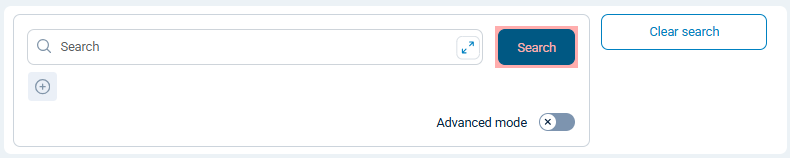
In the Search bar, enter the text you are searching for.
-
Click the Search button.
-
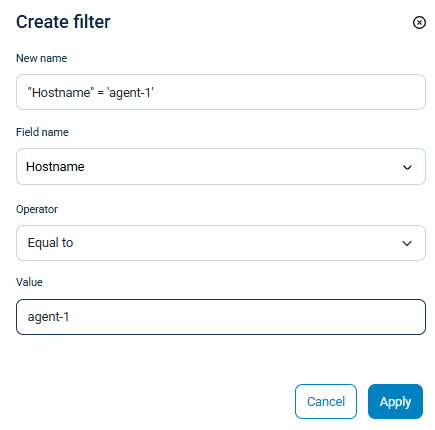
You can also click the + button under the search field, then choosing Add filter to filter data by known fields.