
Recover an account protected with 2FA
If you lose your device or your authenticator app is not working, you need to use the recovery codes provided when you enabled two-factor authentication. To recover your account:
-
Open the NXLog Platform login page, enter your username and password, and click Login.
-
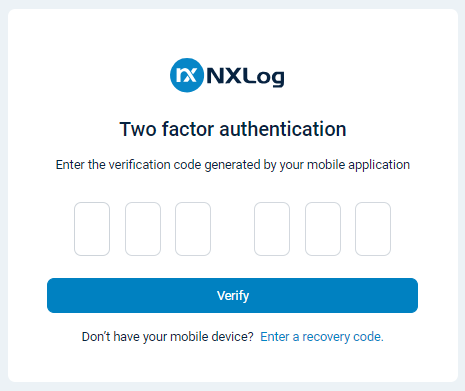
When prompted to enter your two-factor authentication code, click the Enter a recovery code link.
-
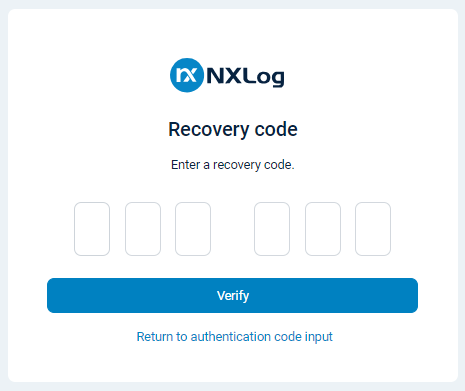
Enter one of your recovery codes and click Verify to regain access to your account.
-
Once you log in, click the User account menu and select Login & Security to access your security settings and reconfigure two-factor authentication.