
Recover an account protected with 2FA
If you lose your device or your authenticator app is not working, you need to use the recovery codes provided when you activated two-factor authentication. To recover your account:
-
Open the NXLog Platform login page, enter your username and password, and click Login.
-
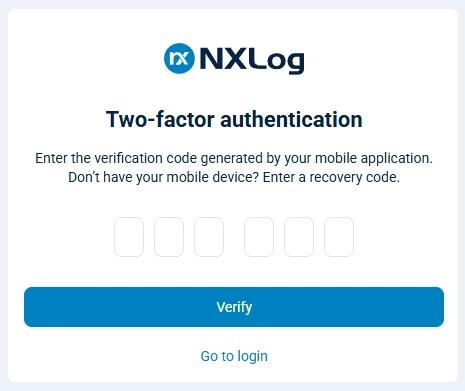
When prompted, enter your two-factor authentication code or a recovery code.
-
Once you log in, click the User account menu and select Security settings to reconfigure two-factor authentication.